The app
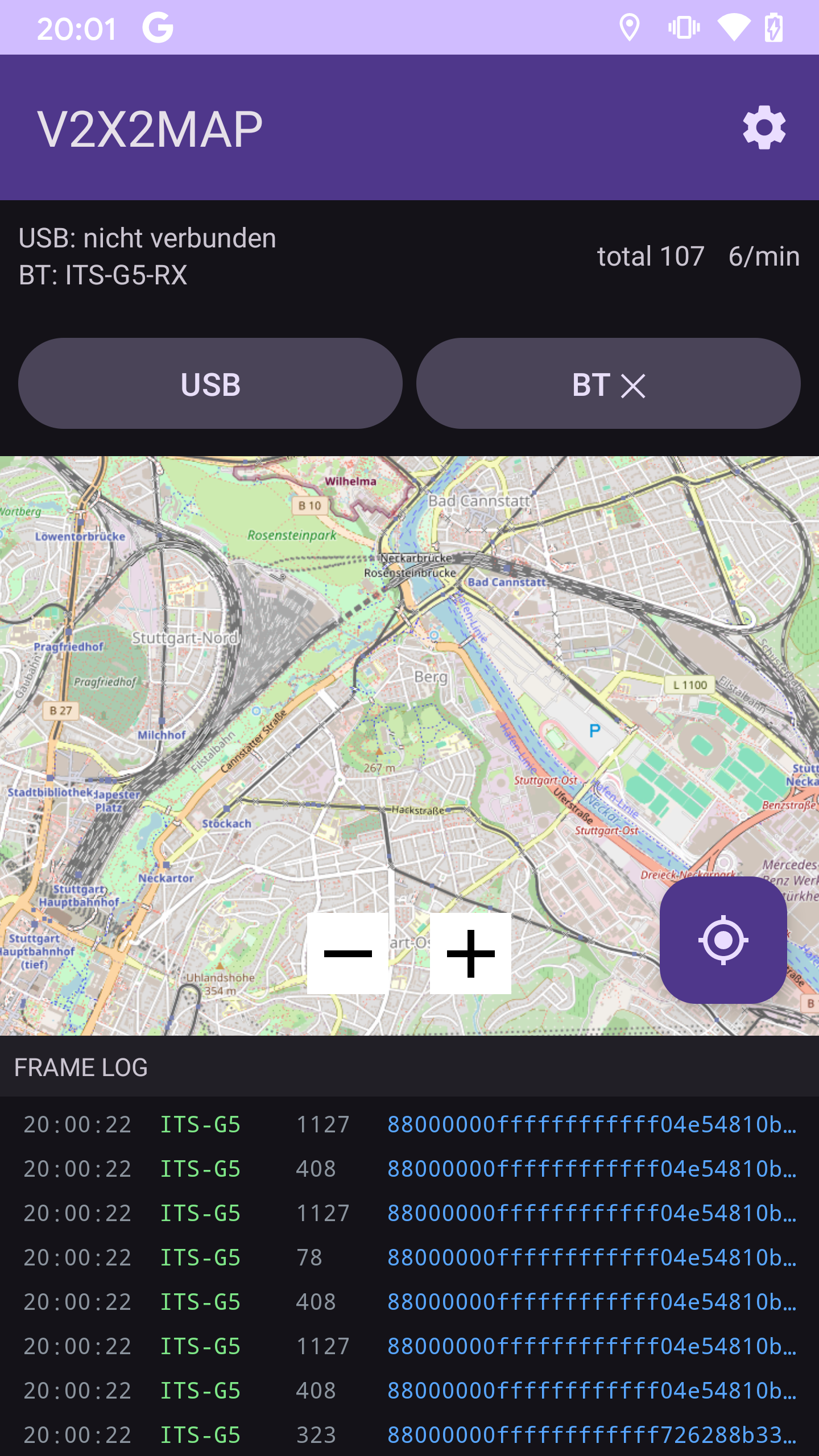
V2X2MAP is an open-source receiver and live map for ITS-G5 / V2X traffic — the 5.9 GHz IEEE 802.11p messages cars and roadside infrastructure send to coordinate.
Plug a $20 ESP32-C5 dev board into your phone, drive somewhere with modern infrastructure, watch the CAMs, DENMs and SPATEMs roll in.
Modern cars and roadside units (RSUs) broadcast standardised safety messages on the dedicated 5.9 GHz V2X band: CAM (Cooperative Awareness — "I'm here, going X km/h"), DENM (Decentralised Environmental Notification — "hazard ahead!"), SPATEM (Signal Phase + Timing — traffic-light countdown) and MAPEM (intersection geometry).
V2X2MAP captures these in promiscuous mode, decodes the GeoNetworking headers locally, and plots each message as a colour-coded marker on an OSM map. No cloud round-trip required — everything runs on the phone.
One Waveshare ESP32-C5-WIFI6-KIT dev board and any Android phone with USB-OTG or Bluetooth LE. The board supports 5.9 GHz IEEE 802.11p out of the box; the firmware drives it as a sniffer and forwards captured frames to your phone.
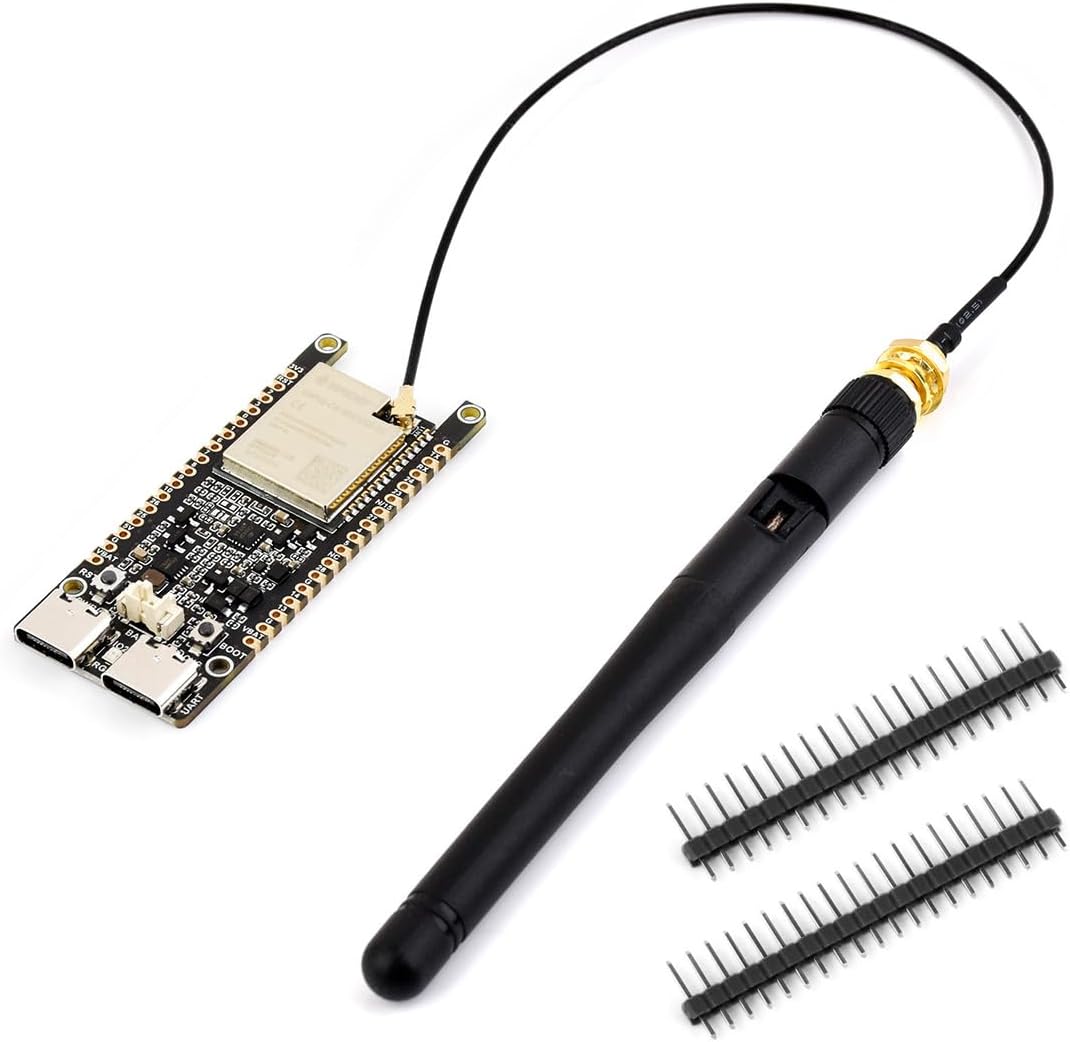
Affiliate link — we may earn a commission on qualifying purchases at no extra cost to you.
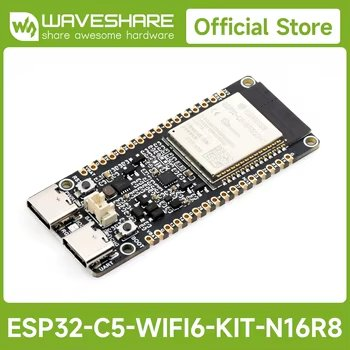
Affiliate link — we may earn a commission on qualifying purchases at no extra cost to you.
OSM map, colour-coded markers per ITS message type, heading-aware arrows for vehicle CAMs, auto-fade so the screen doesn't drown after a few minutes of capture.
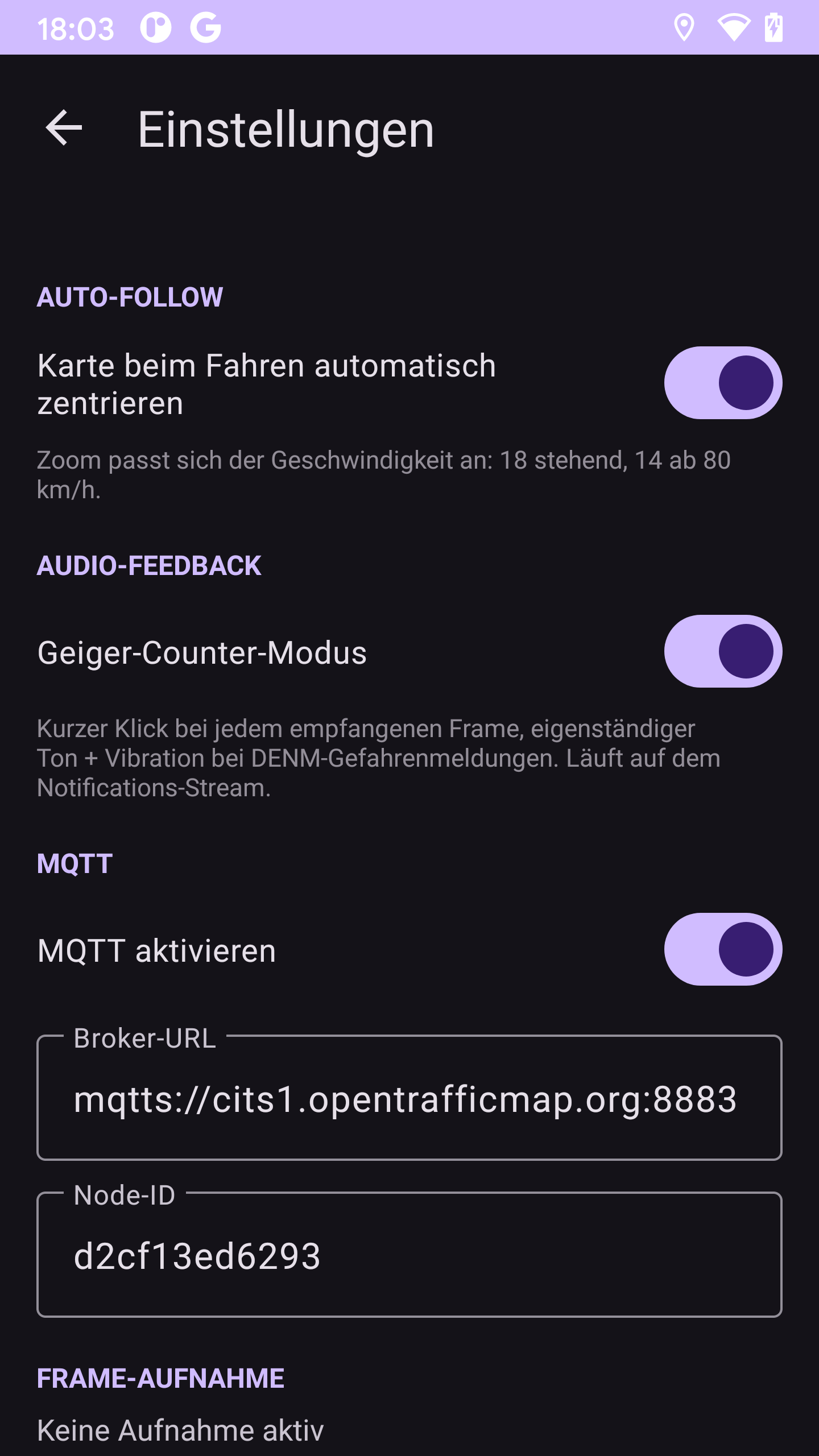
Speed-adaptive zoom: 18 standing still, 14 above 80 km/h. Plug the C5 into a holder, hit the road, the map keeps your dot centred.
Optional audio + haptic feedback: a short tick on every received frame, a higher beep + buzz on a DENM hazard. Drive with eyes forward.
The C5 streams raw 802.11 frames over USB-Serial-JTAG and Bluetooth LE. The single radio is time-shared with the sniffer; the tunable cycle keeps both alive.
OSMdroid tile cache up to 600 MB. Pan around online once, then go offline.
One tap writes every frame to an .itsg5 file. Replay later with the bundled Python bridge.
Optionally re-publish captured frames over MQTT — default broker is the public OpenTrafficMap one, custom brokers configurable.
English by default, German for German devices. Both translations ship in the APK.
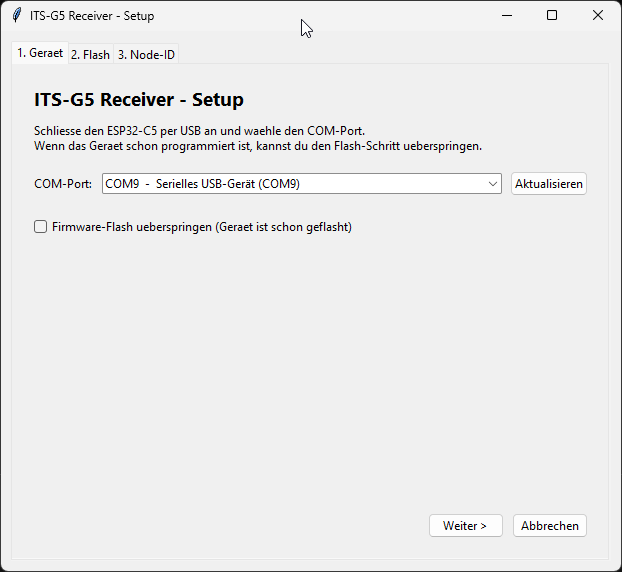
Download the ITS-G5 Receiver Setup EXE from the releases page, connect the ESP32-C5 via USB and follow three steps:
Plug in the board. The installer detects it automatically — pick the right port and click Weiter.
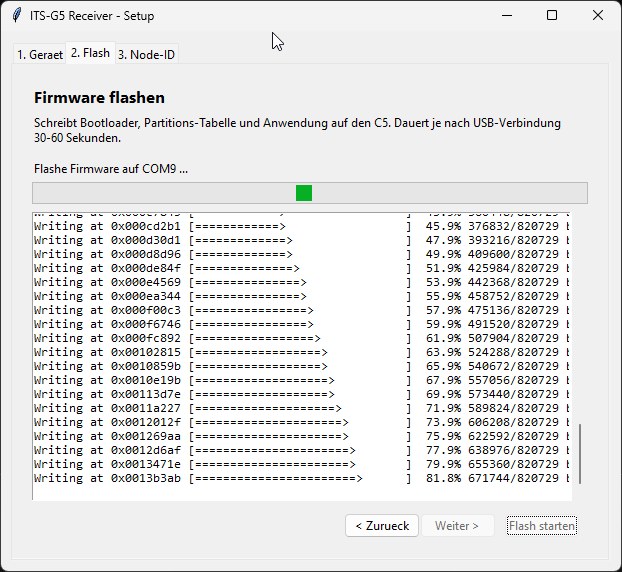
The installer writes bootloader, partition table and application to the C5. Takes 30–60 seconds.
The installer reads the MAC from the chip and pre-fills the Node-ID. Hit Fertig – Bridge starten to launch the bridge and open the live dashboard.
cd V2X2MAP/firmware && idf.py build && idf.py -p COMx flashcd V2X2MAP/android && ./gradlew assembleDebug (or open in Android Studio).cd V2X2MAP/bridge && python its_g5_bridge.py --port COMxReceiving and forwarding ITS-G5 radio data may be subject to national telecommunications law and data-protection law. The Android app shows a disclaimer on first launch. Use at your own risk. Code is published under the MIT License.